Create classroom materials from one source-aware library instead of rebuilding them lesson by lesson.
Artifact creation now lives in one dedicated workspace instead of being scattered across lesson details. Teachers can create worksheets, assessments, exit tickets, readings, study guides, handouts, vocabulary work, and other classroom materials from selected lesson resources, unit files, class resources, pasted text, links, videos, or topic-only prompts. Planlark stores the metadata, provenance, and preview snippet, while Google Docs remains the source of truth for the full formatted document.
What the AI can do
AI can generate source-grounded classroom materials and keep their metadata, provenance, and lesson links organized in one place.
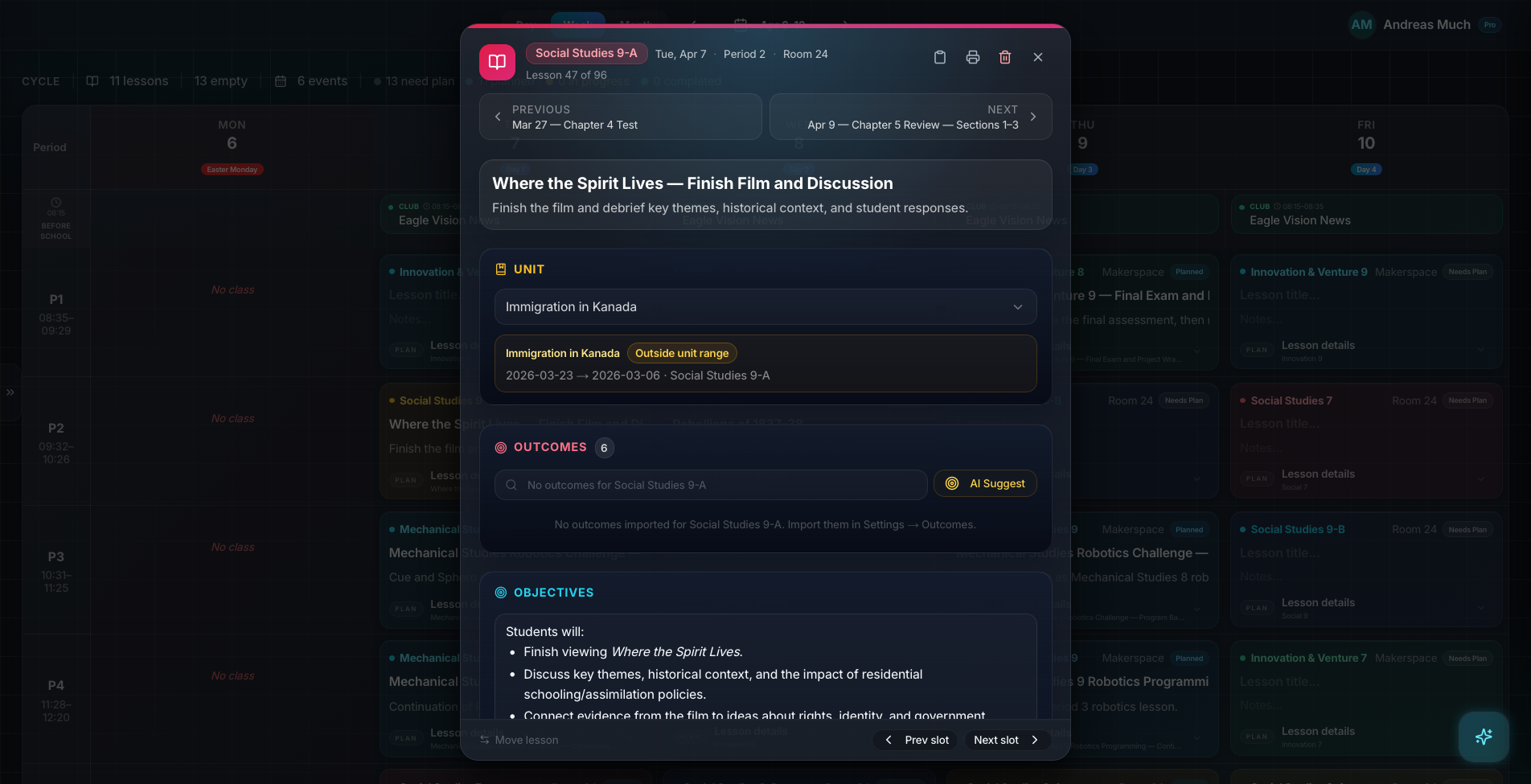
Artifacts are now managed in one dedicated library instead of being generated inline inside each lesson.
Context aware
Connected to the weekly planner, schedule rules, and unit structure.
Teacher controlled
You review and refine changes instead of handing the whole process away.
Built for school reality
Designed around shifting timetables, real curriculum work, and mid-week edits.
Where Artifacts Workspace fits into the planning week.
Create worksheets, assessments, exit tickets, readings, study guides, handouts, rubrics, vocabulary work, and other classroom materials from one workspace.
Default to source-aware generation using teacher-selected sources, lesson resources, unit resources, class resources, pasted text, links, videos, and vocabulary lists before falling back to topic-only generation.
Keep only metadata, settings, Drive folder info, document links, provenance, and preview snippets in Planlark while Google Docs stores the formatted source document.
Real reasons teachers reach for this feature.
Worksheet generation
Build a worksheet from the current lesson materials and store the Google Doc in the correct class or unit artifact folder.
Assessment workflow
Create a quiz or quick check from linked lesson docs without leaving the artifact library, then attach the finished artifact back to the lesson.
Reuse and regenerate
Duplicate a study guide, adjust the settings, and regenerate from the same source package without rebuilding the workflow.
What it looks like when a teacher actually uses it.
These example prompts and outcomes show the kind of planning work this feature is designed to handle.
Prompt
"Create a reading comprehension handout from the attached chapter summary, the vocabulary list, and the lesson links for Social 7."
Outcome
Planlark creates the artifact metadata, tracks which sources were used, generates the formatted Google Doc, and keeps the artifact ready to attach back to the lesson.
Prompt
"Build a bell ringer from the unit resources and save it in the unit artifact folder."
Outcome
The system reuses the unit folder, generates the Google Doc, and stores the artifact metadata with provenance.
Prompt
"Duplicate this exit ticket, lower the difficulty, and attach the new version to Friday's lesson."
Outcome
Planlark clones the settings, regenerates the Google Doc, and links the new artifact to the target lesson.
Keep exploring the planning workflow.
Related help
Learn how to use this in the product.
Getting Started
How to get started with Planlark
Set up your schedule, classes, and first planning workflow so the weekly planner, units, and AI actions all use the right school context.
Read help guideCurriculum
How to import curriculum and outcomes in Planlark
Paste curriculum text or ask Lark to import a framework, then review sub-outcomes, guiding questions, QA warnings, and shared-library approval before planning from it.
Read help guideUnit Planning
How to build units and lesson sequences in Planlark
Use the Unit Planner to create a unit, add source material, generate lesson sequences on real dates, and keep outcomes tied to the plan.
Read help guideRelated features
Keep exploring the workflow.
Daily Planning
AI Day Planning
Planlark fills before-school, lunch, and after-school windows with the right work using your actual teaching schedule.
Read feature pageScheduling
Auto-Scheduled Plans
Units and lesson sequences can land on real class dates automatically using your rotation, holidays, and calendar overrides.
Read feature pageCalendar
Calendar Command Center
Your planner stays connected to the actual school calendar, not a generic week view.
Read feature pageEarly access
Try Artifacts Workspace inside the full planner
Join the waitlist to see how Planlark connects weekly planning, AI actions, schedule logic, and curriculum tracking.
No credit card required. Early access updates only.