Your planner finally matches the way your school actually runs.
Most planners assume Monday-to-Friday. Planlark builds around your actual rotation — 2-day, 4-day, 6-day, or anything up to 8 — and accounts for holidays, PD days, assemblies, and manual overrides so the calendar never lies. Every AI action, unit placement, and lesson schedule uses the same source of truth.
What the AI can do
AI can place lessons, units, and events on real class dates instead of guessing.
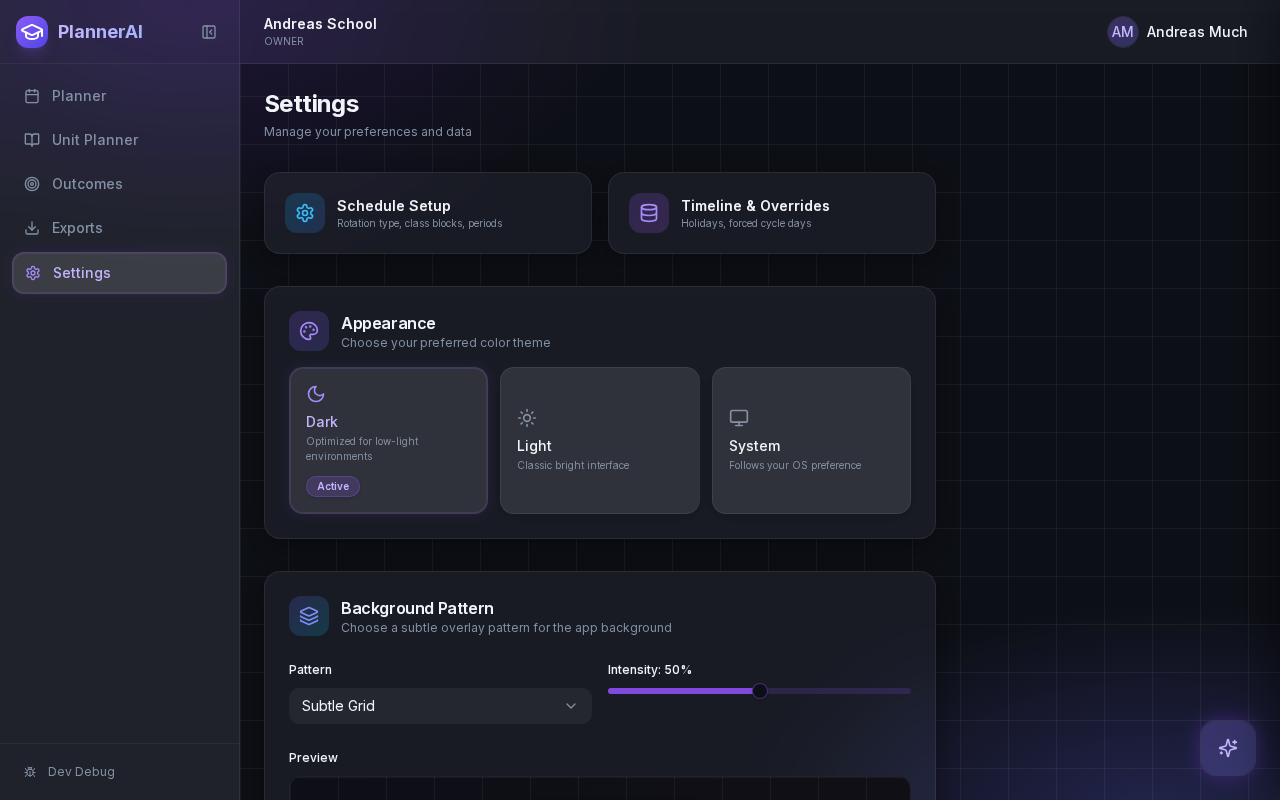
Schedule rules drive the planner, the unit timeline, and every AI action.
Context aware
Connected to the weekly planner, schedule rules, and unit structure.
Teacher controlled
You review and refine changes instead of handing the whole process away.
Built for school reality
Designed around shifting timetables, real curriculum work, and mid-week edits.
Where Rotating Schedule Engine fits into the planning week.
Build around cycle days, not just Monday to Friday assumptions, so the planner reflects how schools actually run.
Account for holidays, PD days, assemblies, and manual overrides without breaking lesson pacing or unit planning.
Keep weekly planning, unit planning, and AI-created work aligned to the same school calendar source of truth.
Real reasons teachers reach for this feature.
Multi-day rotation
A school running a 6-day cycle sees only the classes that meet on each cycle day. No phantom lessons on days off.
Holiday & PD handling
Mark a PD Friday and the planner automatically shifts affected lessons to the next valid class occurrence.
Assembly overrides
Add a one-off assembly and the schedule adjusts without breaking the rest of the unit plan.
What it looks like when a teacher actually uses it.
These example prompts and outcomes show the kind of planning work this feature is designed to handle.
Prompt
"Place the Confederation debate the next time Social Studies 9A meets after the PD Friday."
Outcome
Planlark skips the non-instructional day, finds the next valid class occurrence, and places the lesson on the real date that class actually meets.
Prompt
"Show me what Social 10 looks like over the next two weeks, accounting for the long weekend."
Outcome
Planlark displays the real teaching slots, with the holiday gap visible and no fake entries on non-instructional days.
Prompt
"Move all Science 8 lessons forward by one cycle day."
Outcome
Every lesson in the sequence shifts to the next valid class occurrence, preserving order and skipping non-teaching days.
Keep exploring the planning workflow.
Related help
Learn how to use this in the product.
Getting Started
How to get started with Planlark
Set up your schedule, classes, and first planning workflow so the weekly planner, units, and AI actions all use the right school context.
Read help guidePlanner Workflow
How to manage the weekly planner and daily debrief in Planlark
Use the weekly and daily planner views to track real class dates, move lessons safely, spot gaps, and feed debrief notes back into the next plan.
Read help guideAI
How to use Lark inside Planlark
Use Lark by text or voice to create, edit, delete, reschedule, and explain planning work across lessons, units, outcomes, and assessments.
Read help guideRelated features
Keep exploring the workflow.
Scheduling
Auto-Scheduled Plans
Units and lesson sequences can land on real class dates automatically using your rotation, holidays, and calendar overrides.
Read feature pageCalendar
Calendar Command Center
Your planner stays connected to the actual school calendar, not a generic week view.
Read feature pageReflection
Daily Debrief
Quick end-of-day reflection becomes planning memory instead of getting lost in notes.
Read feature pageEarly access
Try Rotating Schedule Engine inside the full planner
Join the waitlist to see how Planlark connects weekly planning, AI actions, schedule logic, and curriculum tracking.
No credit card required. Early access updates only.