Back to all features
Scheduling

Undated lessons land on the right class days automatically.

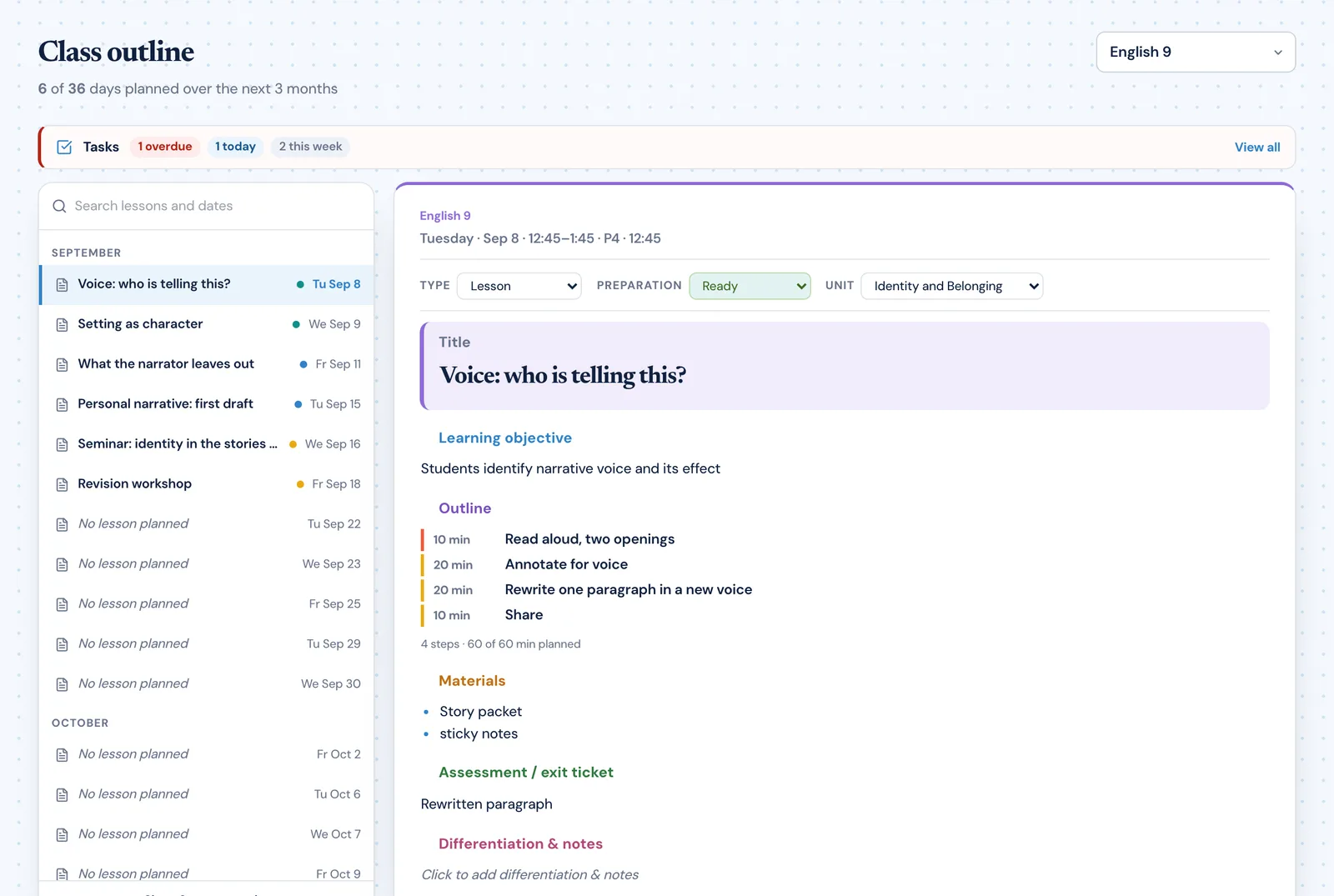
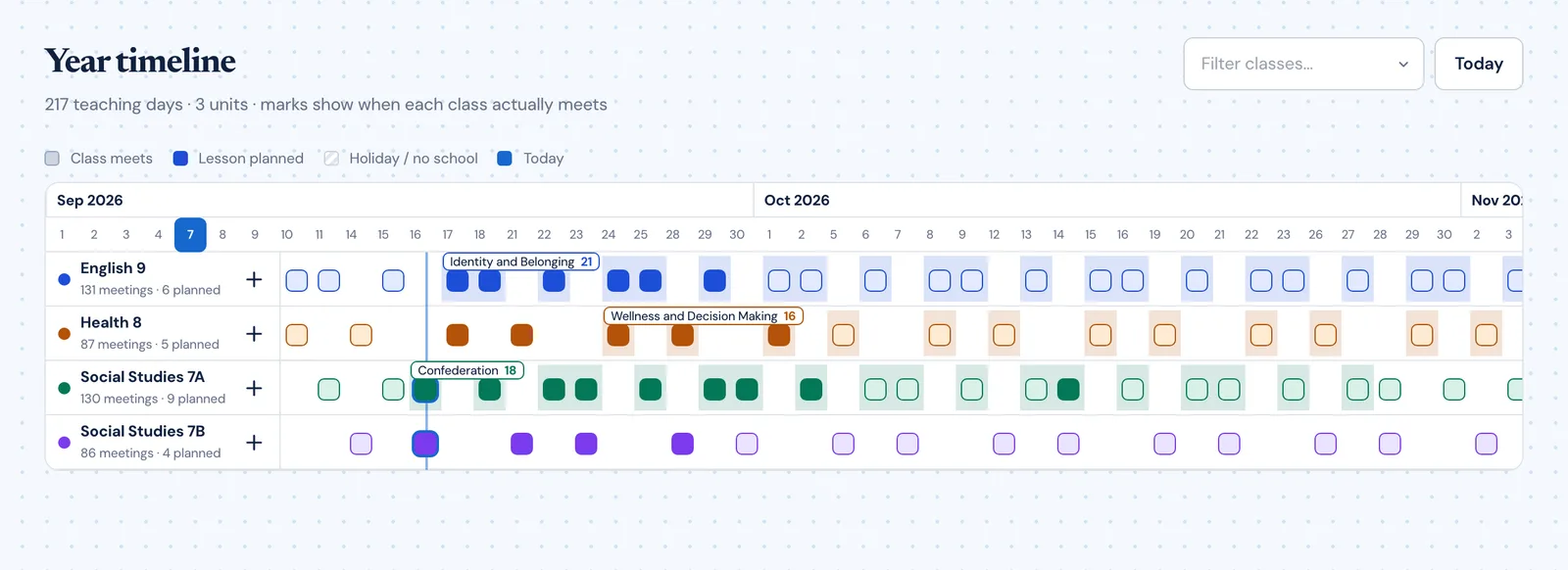
Start with undated lesson ideas or an imported sequence and let Planlark place them onto the next valid teaching slots. The scheduler respects cycle days, holidays, and calendar overrides so the final result reflects actual teaching time — not a generic Monday-to-Friday grid. No manual dragging, no date assignment, no guessing.

AI can

AI can take undated lesson ideas and place them onto the next valid teaching slots.

Planlark week planner showing lessons placed on class dates across the calendar

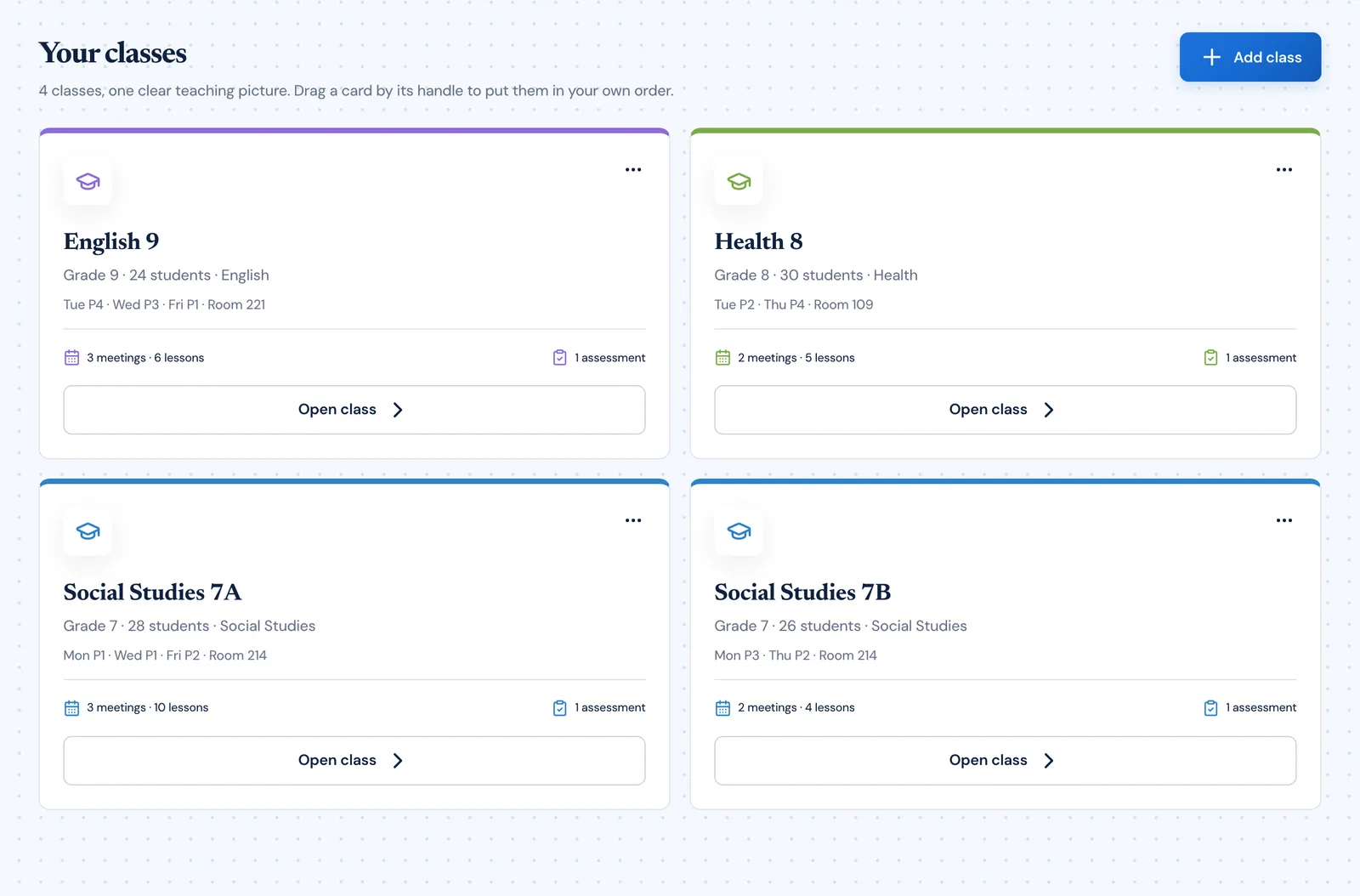
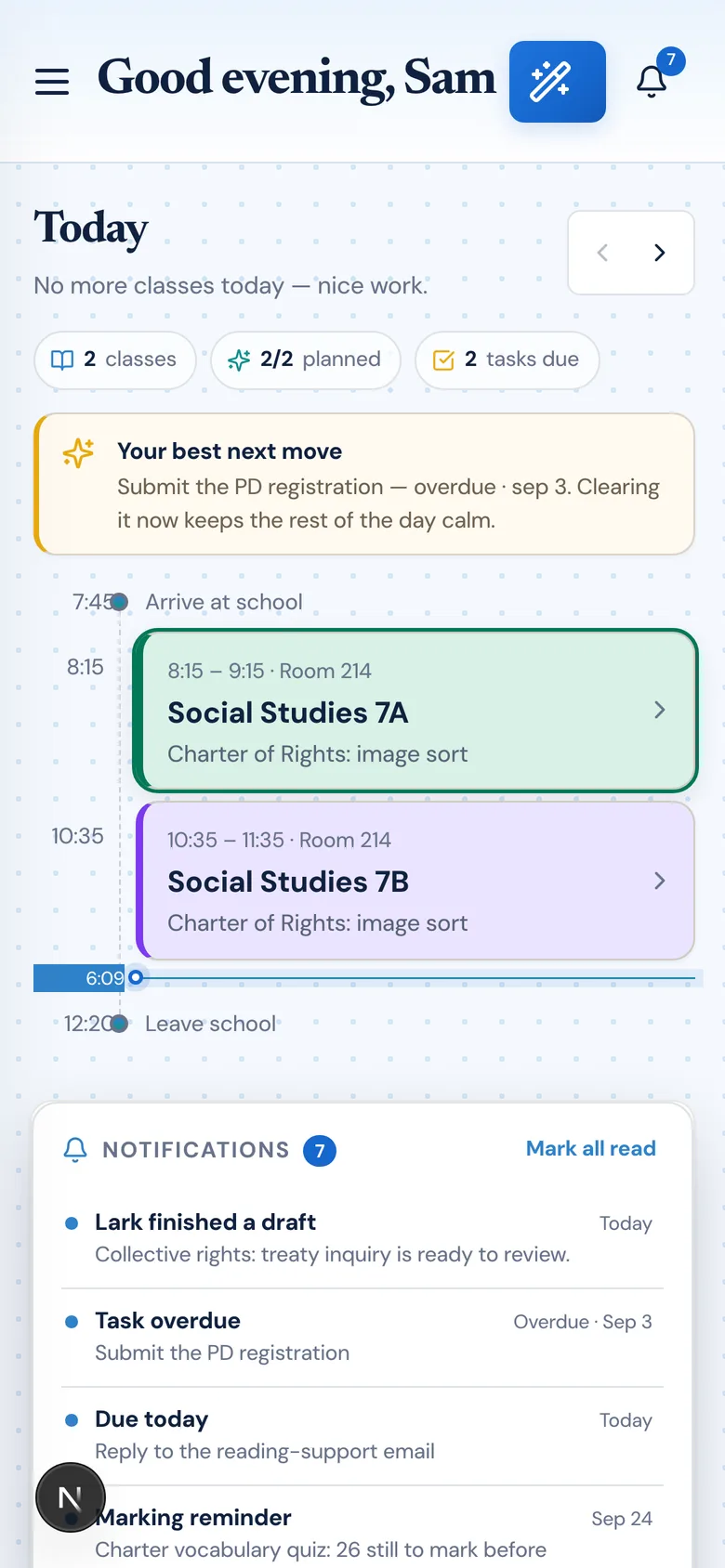
Undated plans become real scheduled work using the calendar teachers already rely on.

How it works

How teachers use auto-scheduled plans

Planlark keeps this feature connected to the rest of the planning system so teachers do not have to rebuild context every time something changes.

Start with undated unit ideas or lesson sequences and let the planner place them onto actual teaching slots.

Respect cycle days, holidays, and overrides so the final schedule reflects reality instead of a generic Monday-Friday grid.

Reduce manual dragging and date assignment when building or revising longer sequences.

Use cases

When teachers reach for this

Real scenarios where auto-scheduled plans saves planning time and keeps everything connected.

Sequence placement

Import six undated lessons and Planlark distributes them across the next valid class days for that subject.

Unit auto-scheduling

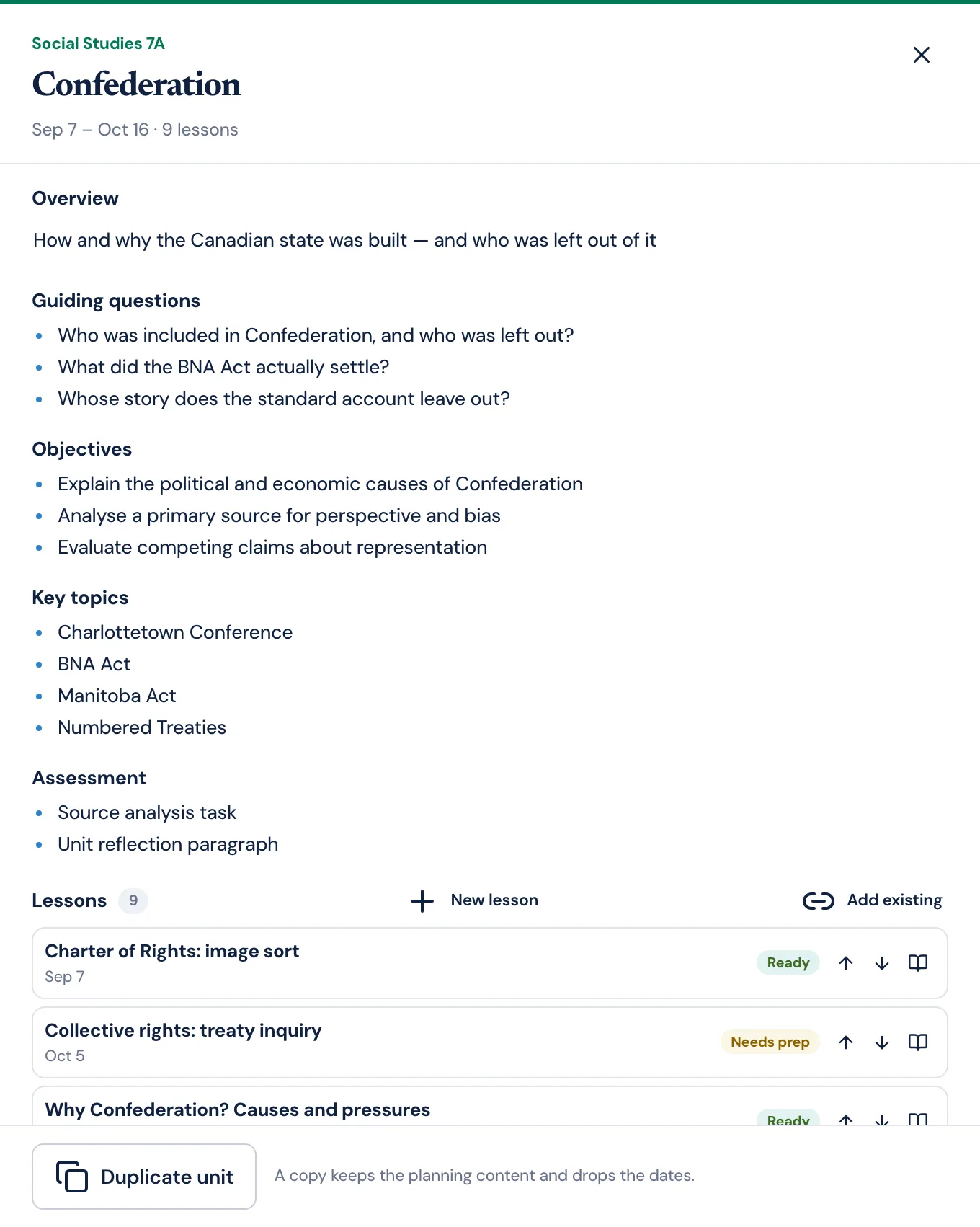
Create a unit with 10 lessons and let the system fill in dates based on when the class actually meets.

Gap filling

Ask "Place these review activities wherever I have open slots next week" and the AI finds and fills the gaps.

Examples

What it looks like in practice

Real requests a teacher might make and what Planlark does in response.

Teacher request

"Here are six undated lessons for Chapter 5. Place them on the next valid class days for Social 10."

What Planlark does

Planlark finds the next teaching dates, distributes the lessons across the calendar, and reports where each one landed.

Teacher request

"Schedule the rest of the poetry unit starting next Monday."

What Planlark does

The AI finds every class slot from Monday onward, places the remaining lessons, and avoids PD days and holidays.

Teacher request

"Auto-place these warm-up activities on every Social 9A class for the next two weeks."

What Planlark does

Planlark identifies each class occurrence, attaches a warm-up, and confirms the schedule.

Try Auto-Scheduled Plans inside a real teacher planner

Join the waitlist to use auto-scheduled plans with AI-driven lesson planning, unit planning, and school calendar workflows.