- What is PlanLark?
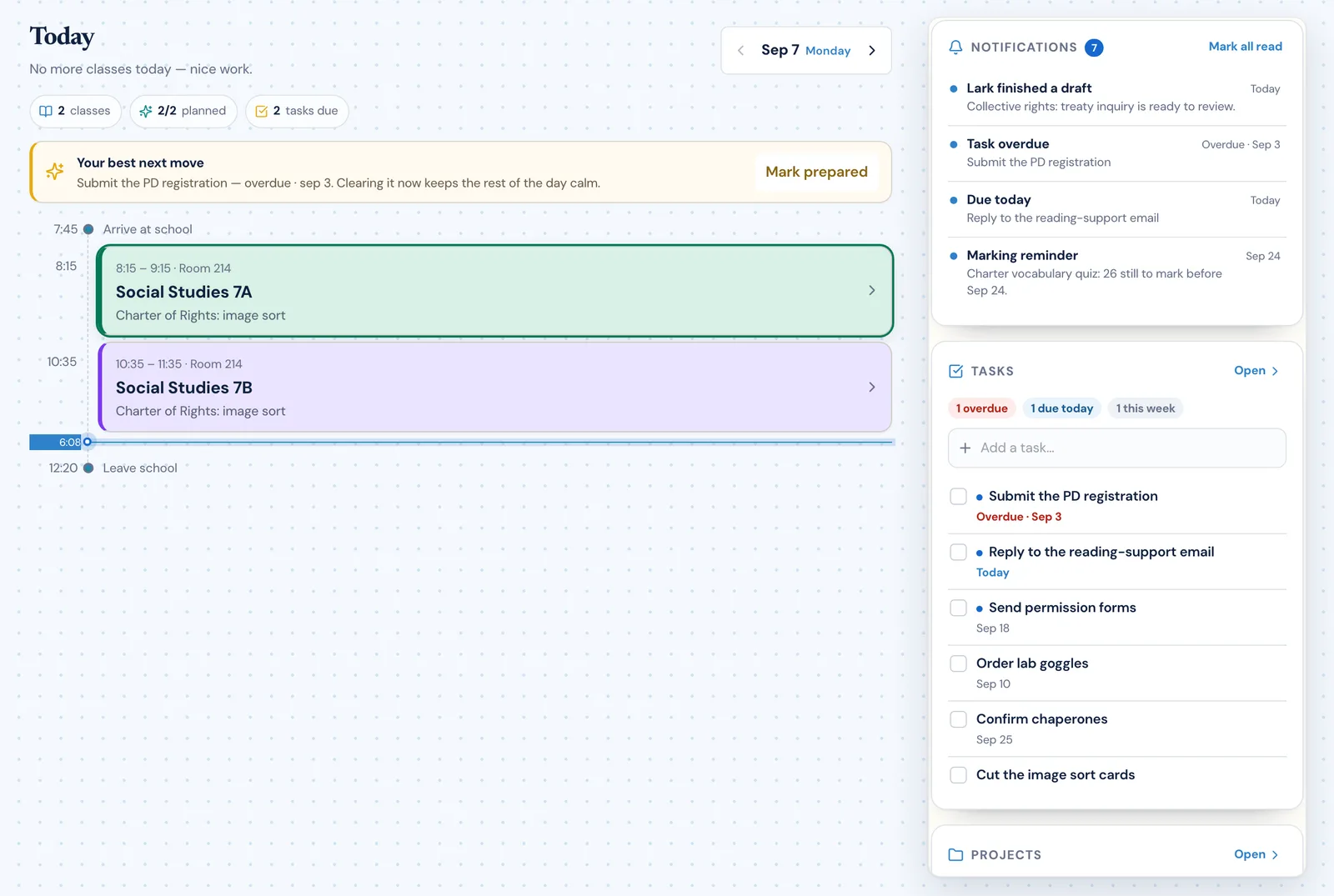
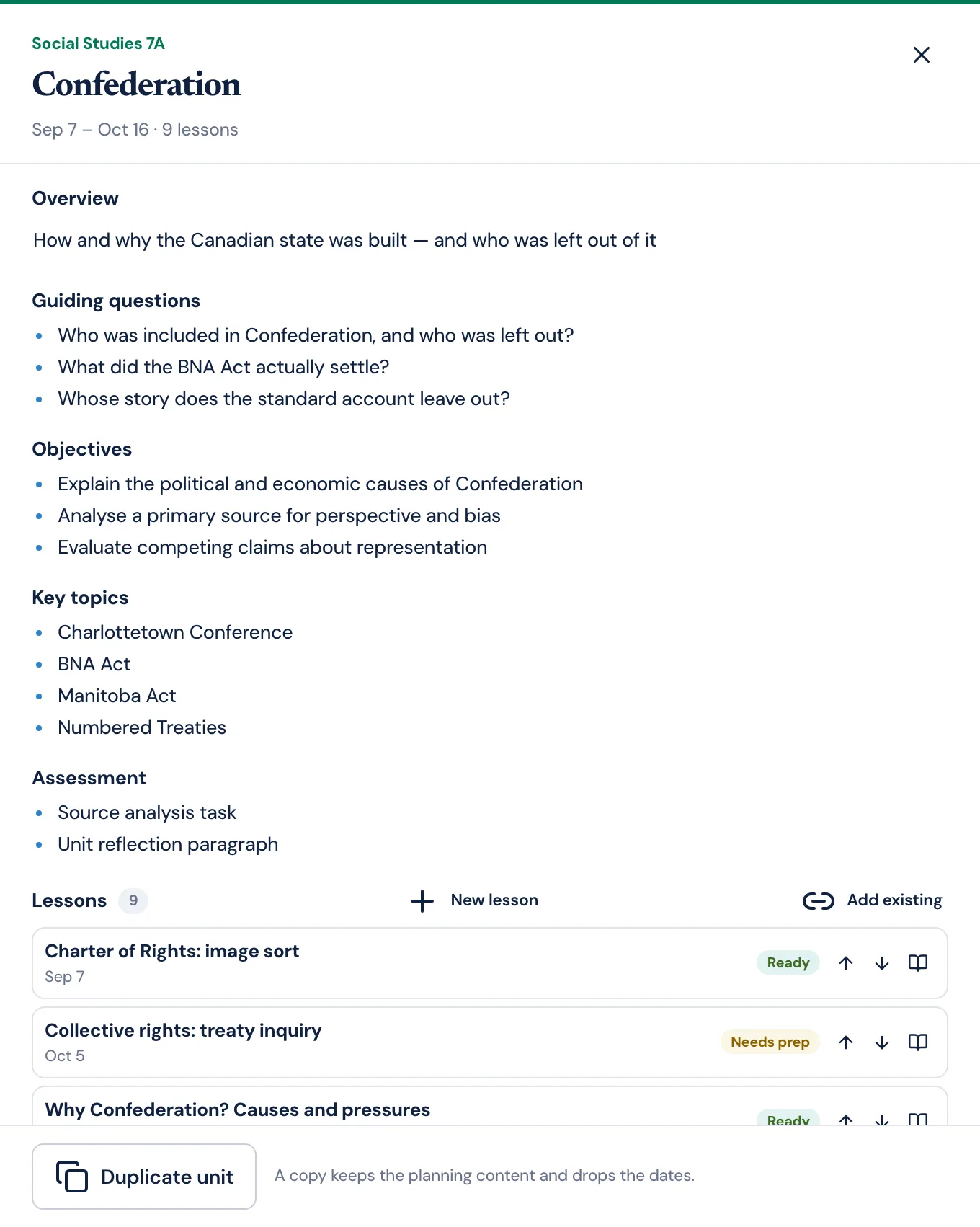
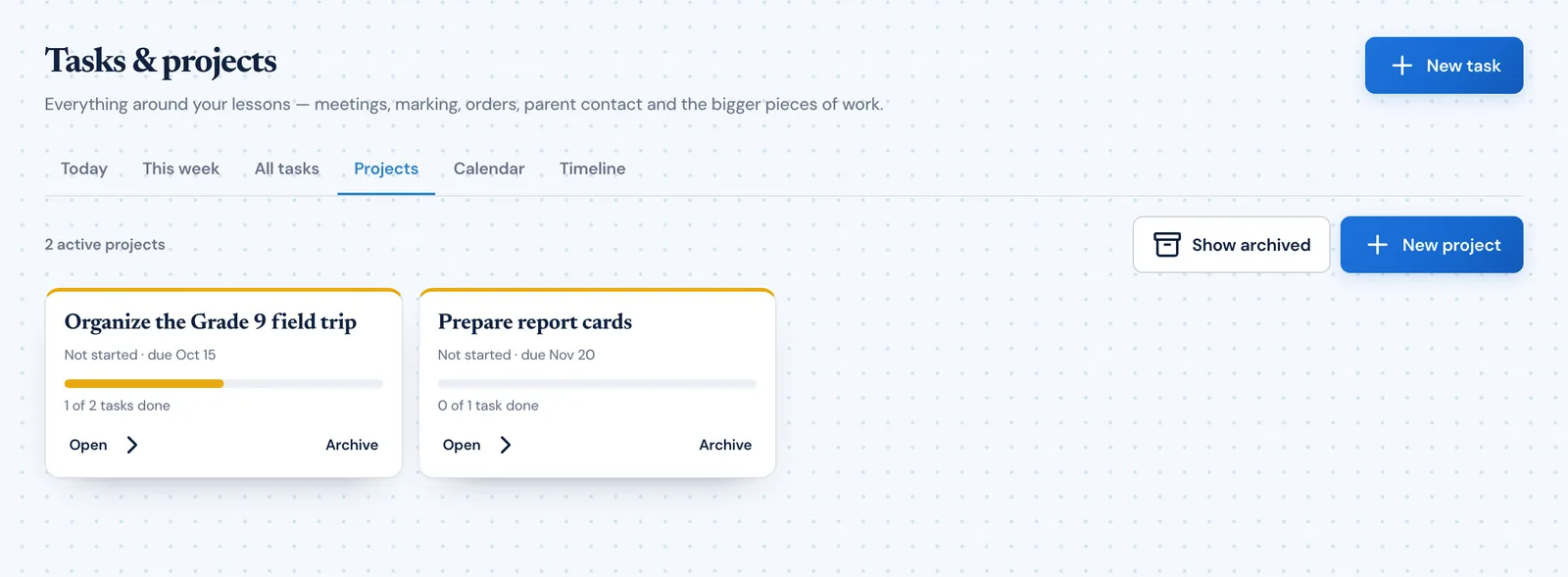
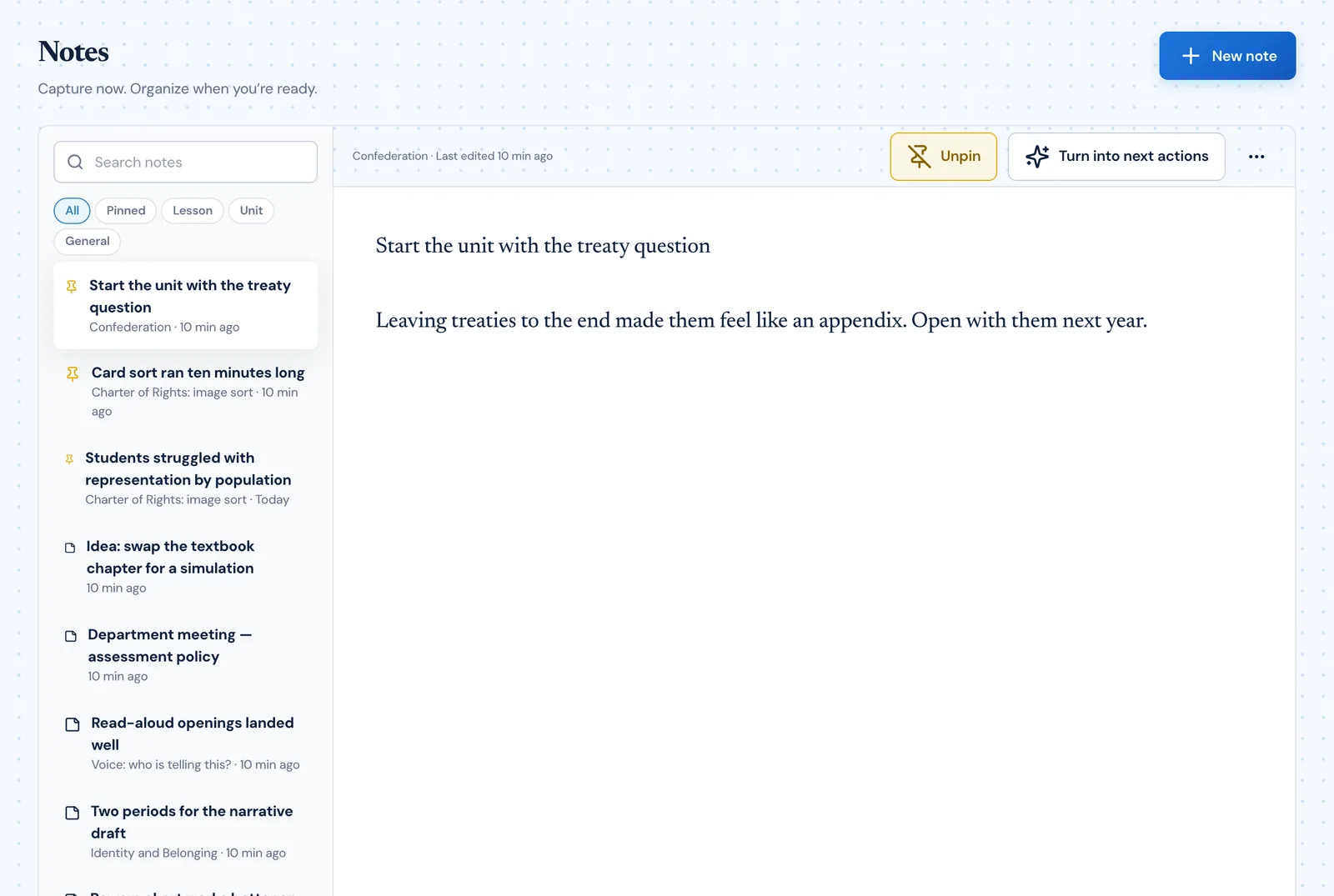
- PlanLark is teacher planning software that keeps curriculum, units, lessons, classes, assessments, tasks, projects and teaching notes in one connected planner, instead of spreading them across separate tools.
- Who is PlanLark built for?
- Classroom teachers who plan several classes at once, teach to a curriculum, and change their plans often — the ones for whom planning is a weekly job rather than a one-time setup.
- Does PlanLark handle rotating schedules?
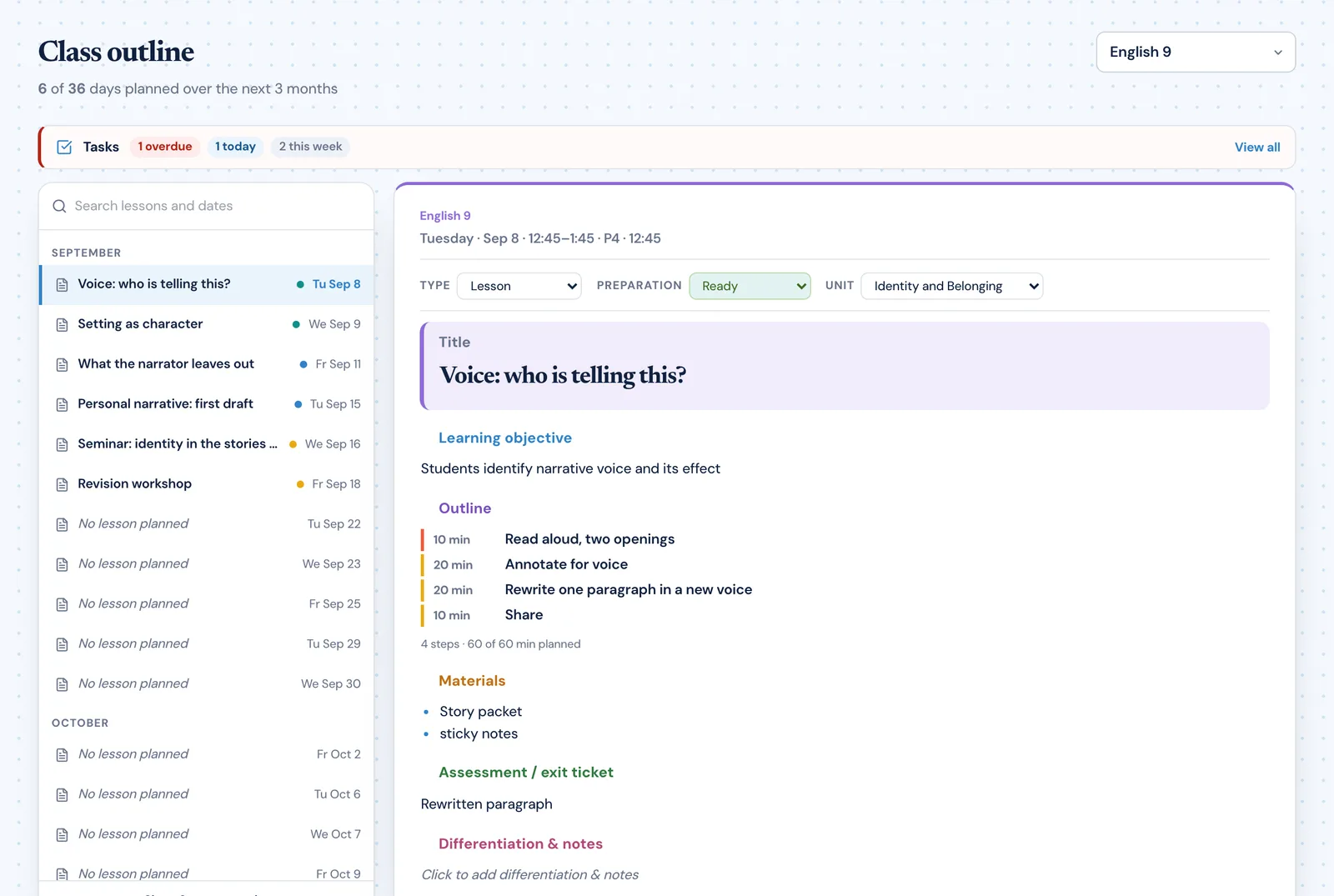
- Yes. Set your timetable, cycle days, holidays and non-teaching days once, and lessons are planned on the dates each class actually meets.
- How does PlanLark connect lessons to curriculum?
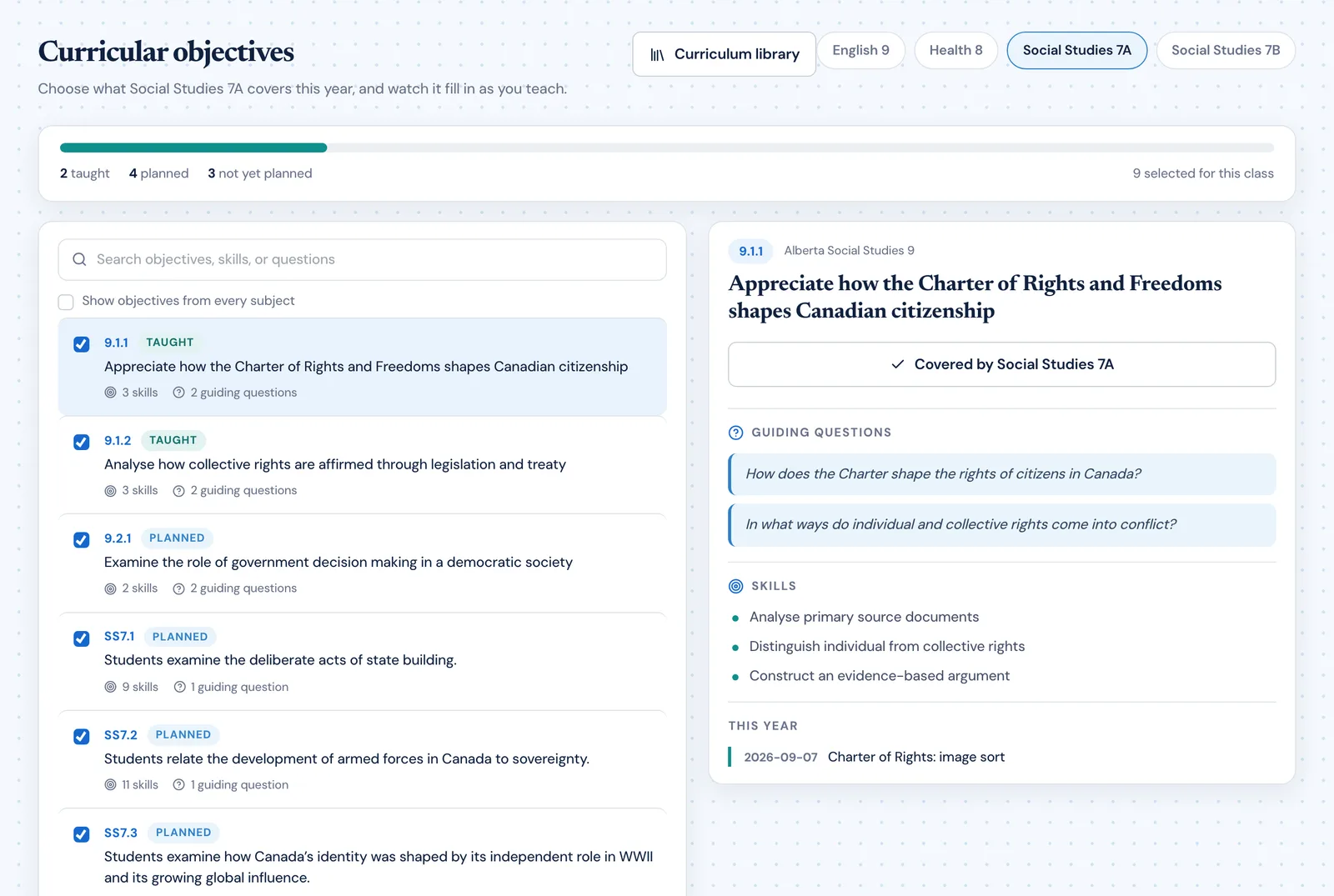
- Choose the objectives each class covers this year, then attach a guiding question, a learning outcome, or individual statements to a lesson. Coverage for that class updates as lessons are planned and taught.
- What does the AI actually do?
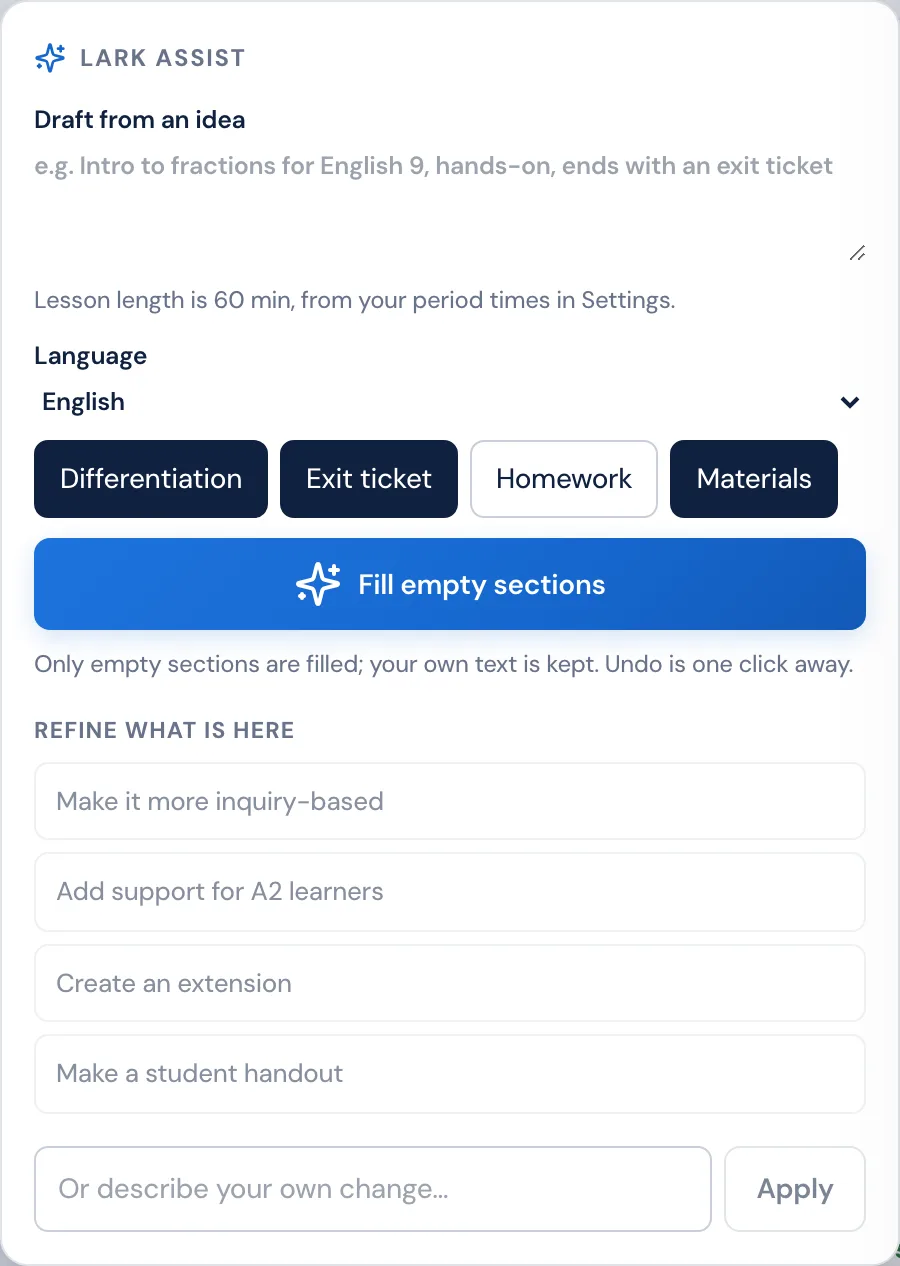
- Lark works inside the lesson editor. Describe a lesson and it drafts the sections you have left empty at the length of your period, then helps you refine what is there. It never overwrites what you wrote, and every draft stays editable.
- Is PlanLark free for teachers?
- There is a free plan with the planner, lesson editing, curriculum outcomes and 30 AI interactions a month. Pro and School lift the AI limit and add the unit planner and marking progress tracking.